
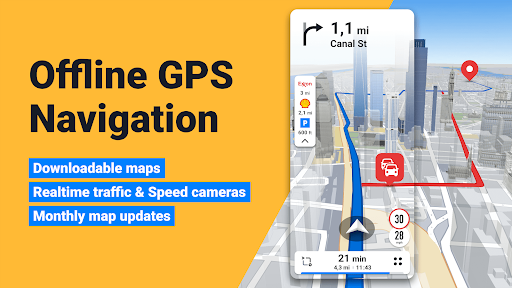
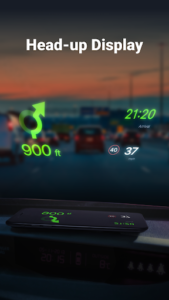
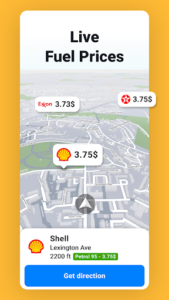
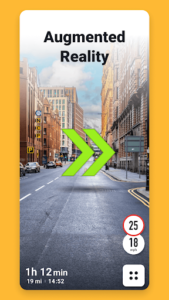
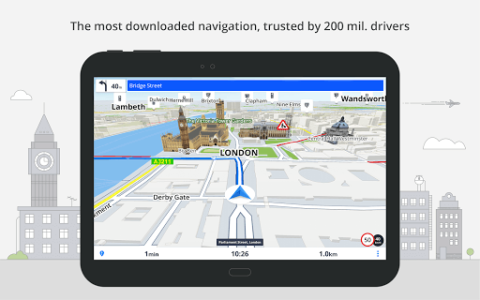
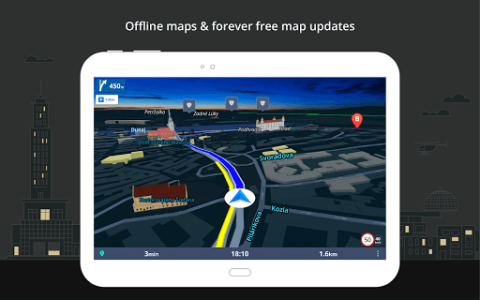
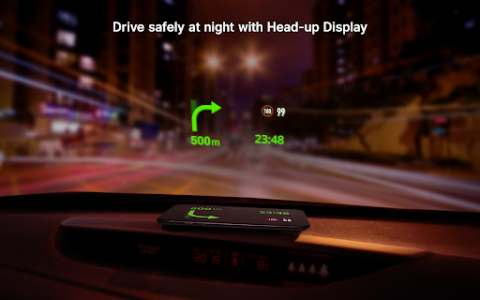
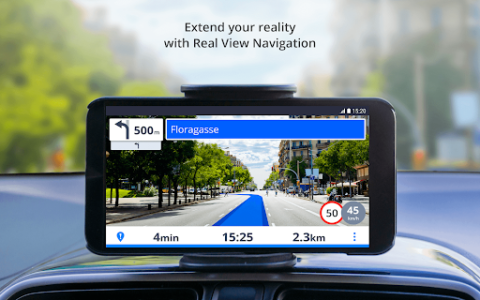
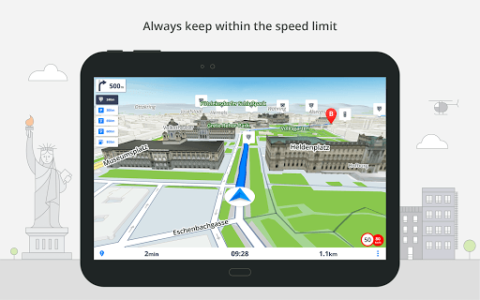
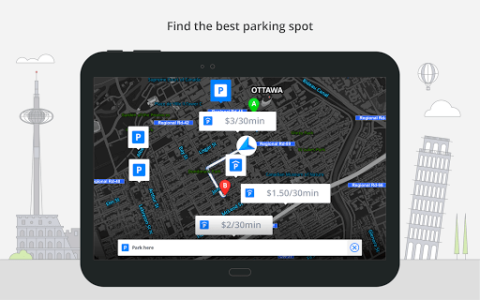
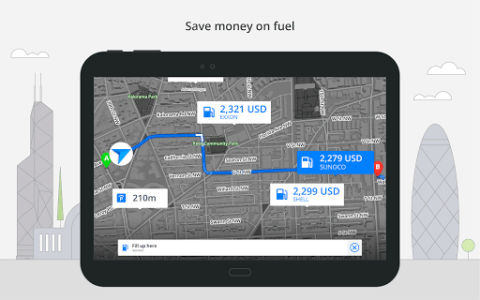
Sygic is an app designed to provide GPS navigation, even without an internet connection. It allows users to navigate using detailed 3D offline maps stored directly on their device. The app combines driving directions with voice guidance, integrates live traffic information to help avoid delays, and includes alerts for speed cameras. It also supports car display integration through Android Auto and CarPlay, making it suitable for various driving scenarios from daily commutes to long road trips.
Detailed Offline Maps
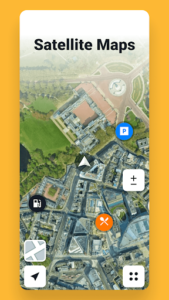
The app enables navigation in areas with limited or no cell service by storing detailed maps directly on your phone. These 3D maps provide road details, landmarks, and millions of points of interest. Users can search for addresses, places, and saved favorites within the app, and preview destinations using satellite maps. Navigation is supported by voice GPS guidance, which includes clear instructions and spoken street names for turn-by-turn directions.
Route Planning and Traffic Avoidance
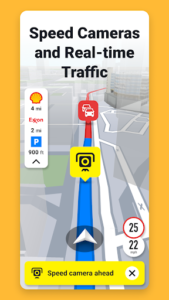
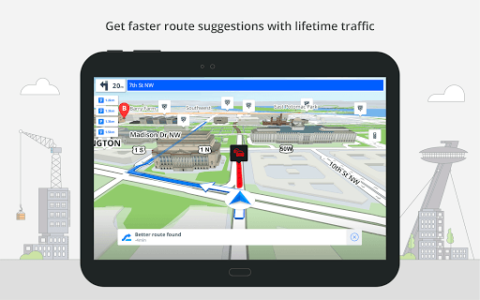
Sygic offers a built-in route planner to tailor trips, whether for daily commutes or extensive road trips. This planner calculates routes and allows users to add multiple stops and adjust their journey as needed. While driving, the app provides voice GPS navigation with turn-by-turn directions. It also aims to help users avoid traffic delays by providing live traffic information, which is used to offer real-time updates and suggest faster routes based on current road conditions. Additionally, the app includes speed camera alerts and speed limit warnings during navigation.
Car Display and Motorbike Support
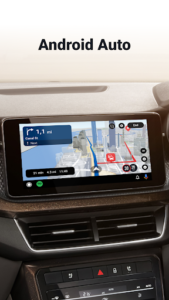
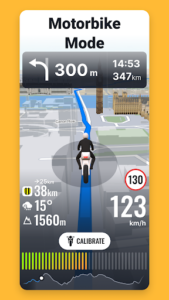
The app supports integration with vehicle infotainment systems through Android Auto and CarPlay. This allows users to access maps, planned routes, and voice GPS directions directly on their car’s display, using the vehicle’s touchscreen or physical controls. Sygic also includes a dedicated Motorbike Mode, which caters to the specific needs of motorcycle tours.
Exporting and Personalization
A recent update added the ability to export Travelbook trips as GPX files, allowing users to share their planned routes with others. The app also now supports custom vehicle pictures, providing an option to personalize the vehicle profile within the app.







Write a review